SkillsWave_EN_Program

Level up your skills one project at a time. Project-based, real-world learning. Purple OpenClassrooms logo and black and blue SkillsWave logo. Black woman working on her laptop in a high-rise buiding with a colorful swirl behind her as a decorative element.

Welcome to your OpenClassrooms Program through SkillsWave!


Purple Set Up Your Login button

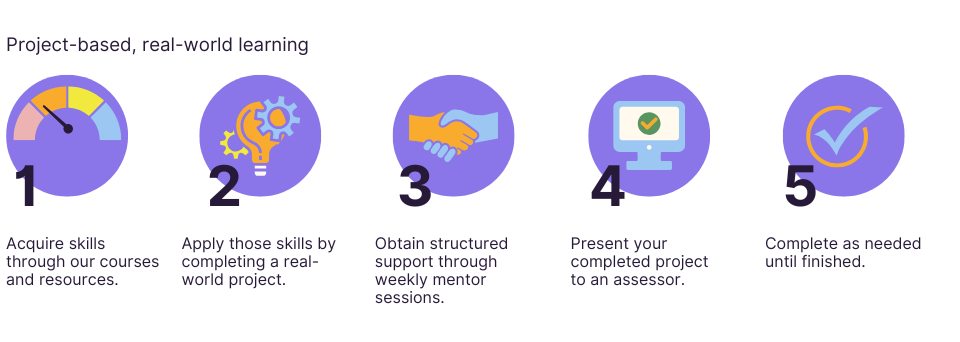
The image illustrates a five-step process for "Project-based, real-world learning," using a series of icons and brief descriptions beneath each numbered step:  Step 1 – Icon of a speedometer. Text: "Acquire skills through our courses and resources."  Step 2 – Icon of a glowing lightbulb with gears inside. Text: "Apply those skills by completing a real-world project."  Step 3 – Icon of a handshake. Text: "Obtain structured support through weekly mentor sessions."  Step 4 – Icon of a computer screen displaying a checkmark. Text: "Present your completed project to an assessor."  Step 5 – Icon of a large checkmark in a circle. Text: "Complete as needed until finished."  Each step is illustrated with a circular purple background, and the icons are colorful and easy to interpret, visually guiding the learner through the project-based process.

 Colorful divider line

How to finish self-paced learning on-time
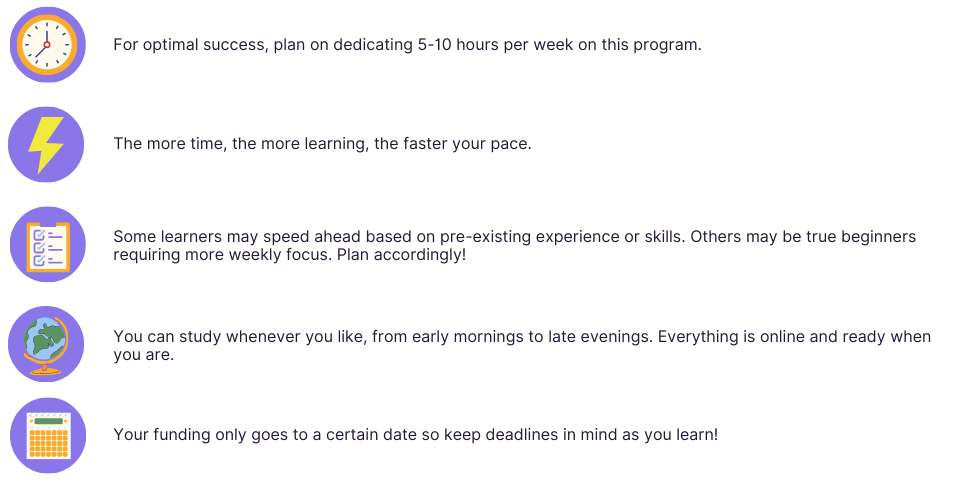
Five icons with accompanying tips for program success.  Clock icon – Suggests dedicating 5–10 hours per week to the program.  Lightning bolt – Emphasizes that more time spent learning can speed up progress.  Document with checkmarks – Notes that learners progress at different speeds depending on prior experience and should plan accordingly.  Globe with a laptop – Highlights the flexibility of studying anytime, as the program is fully online.  Calendar – Reminds learners to be mindful of funding deadlines when pacing their learning.

Colorful line

How to get started

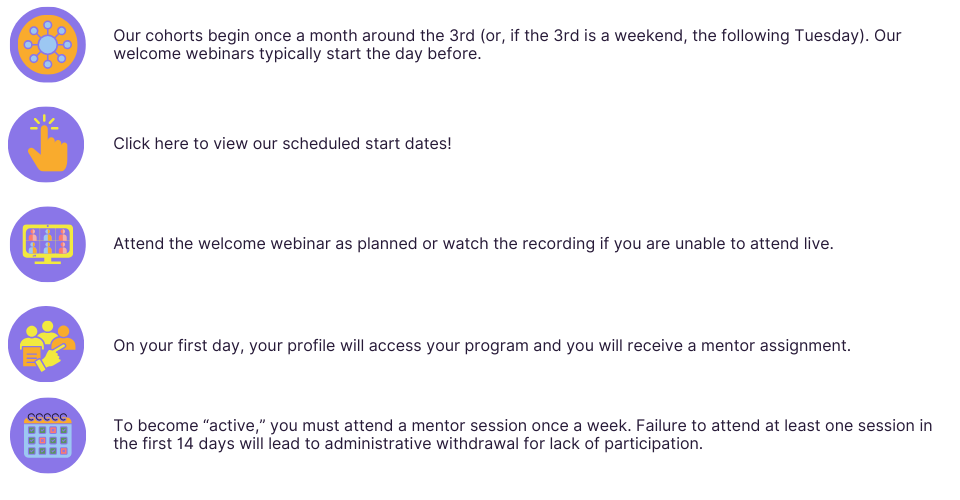
Five icons with corresponding onboarding instructions for new learners:  Calendar network icon – Cohorts start monthly around the 3rd; if it falls on a weekend, the start shifts to the following Tuesday. Welcome webinars begin the day before.  Click icon – Link to view the upcoming start dates.  Webinar screen icon – Attend the welcome webinar live or watch the recording if missed.  Mentor meeting icon – On day one, program access and mentor assignment will be activated.  Calendar with checkmarks – To remain active, learners must attend at least one mentor session within the first 14 days; otherwise, they risk administrative withdrawal.

Purple Set Up Your Login button

Colorful line

Explore today - take a free course!


Questions? Call or email us today

Dernière mise à jour le