Monitor and Administer Your Backups

You showed Gwenaelle how to configure her backups using Veeam Backup & Replication Community Edition. As she explored the tool, she came up with a great idea: being able to generate reports and backup status summaries.
Although Veeam Backup provides basic backup reports and email notifications, it does not offer true monitoring or advanced reporting capabilities.
Veeam offers more than just a backup solution. Another useful tool exists: Veeam ONE.
Veeam ONE is an infrastructure management and monitoring tool dedicated to backup environments.
In Coffecao’s case, it could be used to:
monitor overall backup performance;
provide detailed reports;
generate alerts;
recommend best practices for implementation.
You suggest supporting Coffecao’s IT technician throughout the installation process.
Install Veeam ONE
Start by mounting the ISO image downloaded from the Veeam website and running the installer.
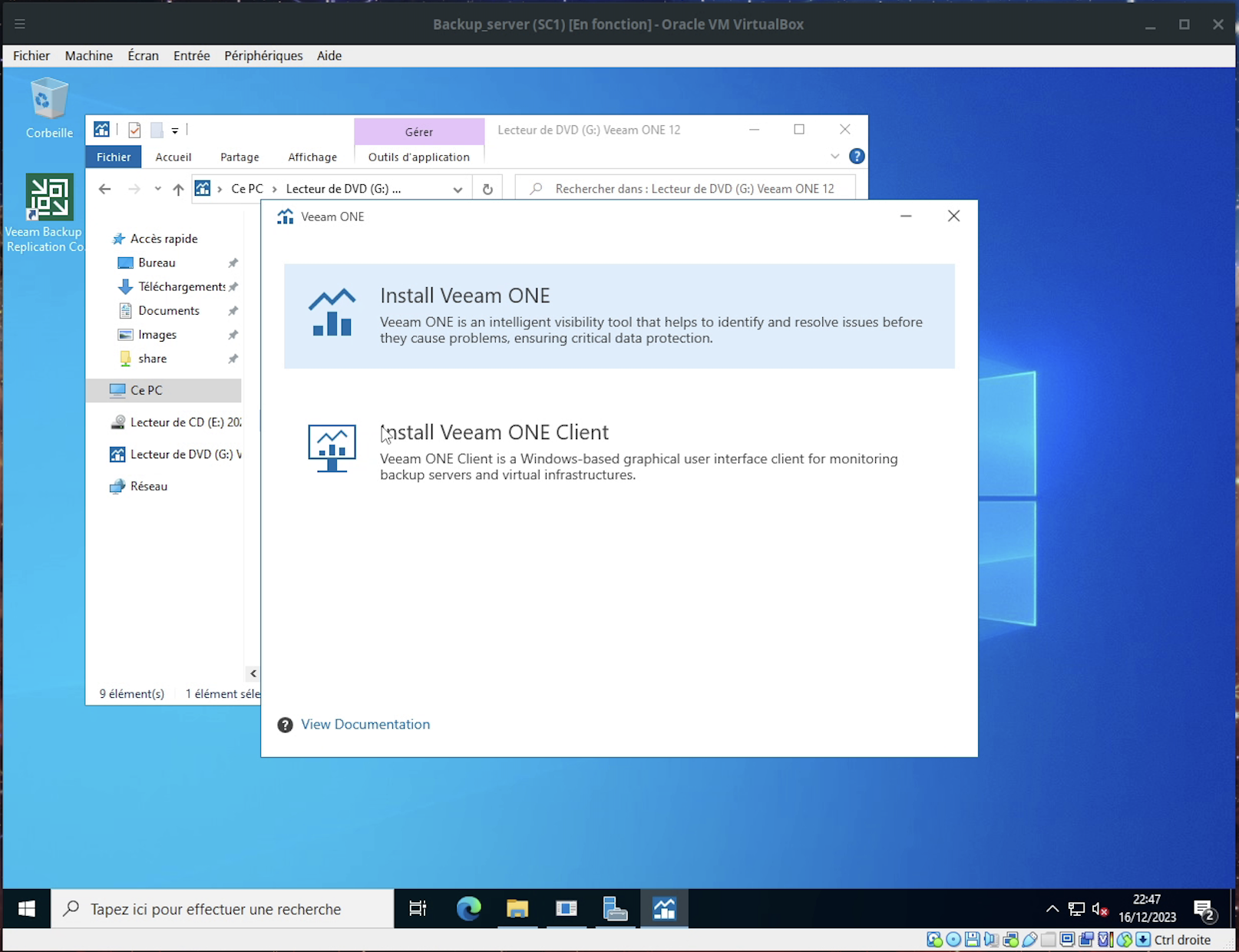
Then click Install Veeam ONE to begin the installation.
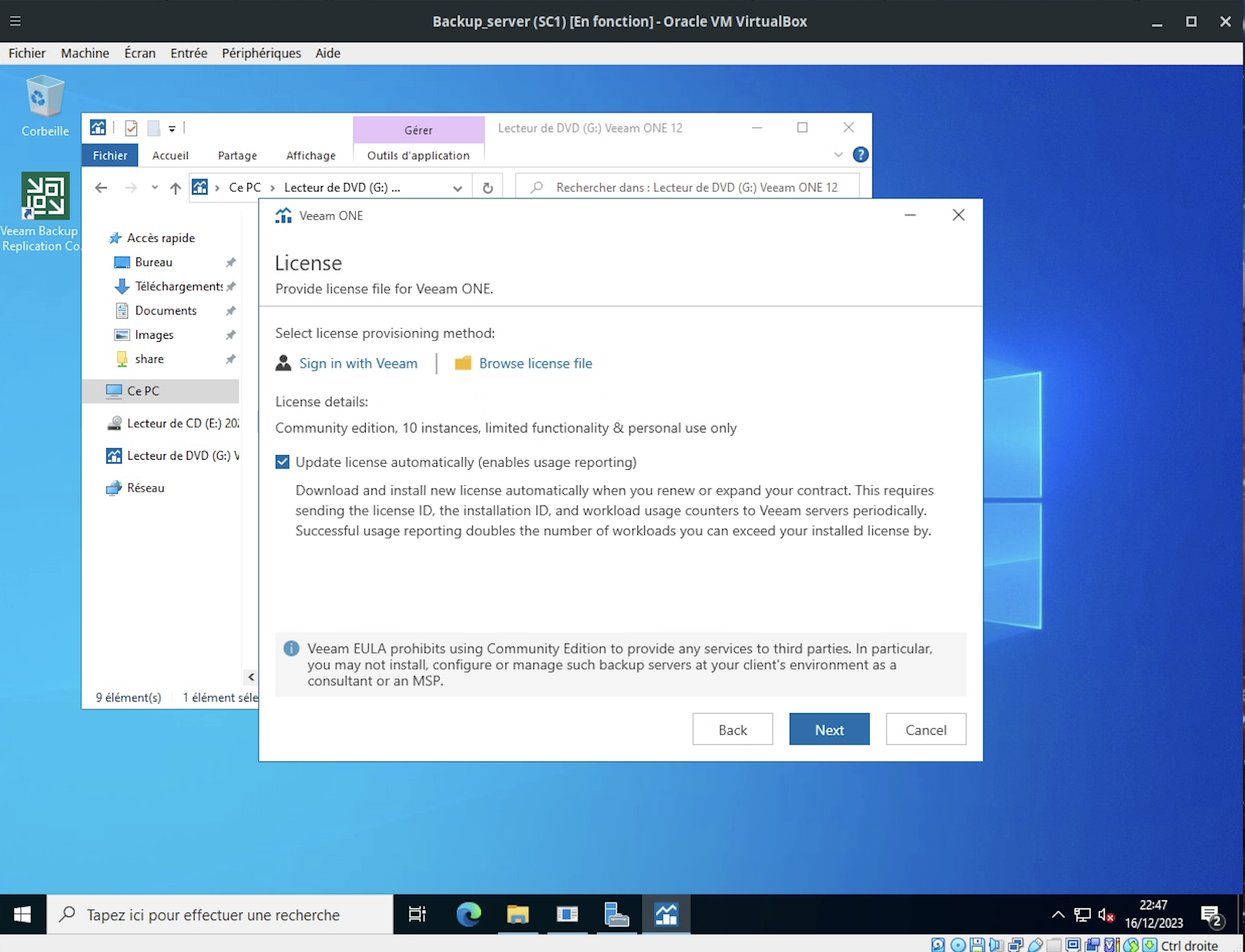
As with the Veeam CE installation, you can accept the license and leave the Update license automatically option enabled.
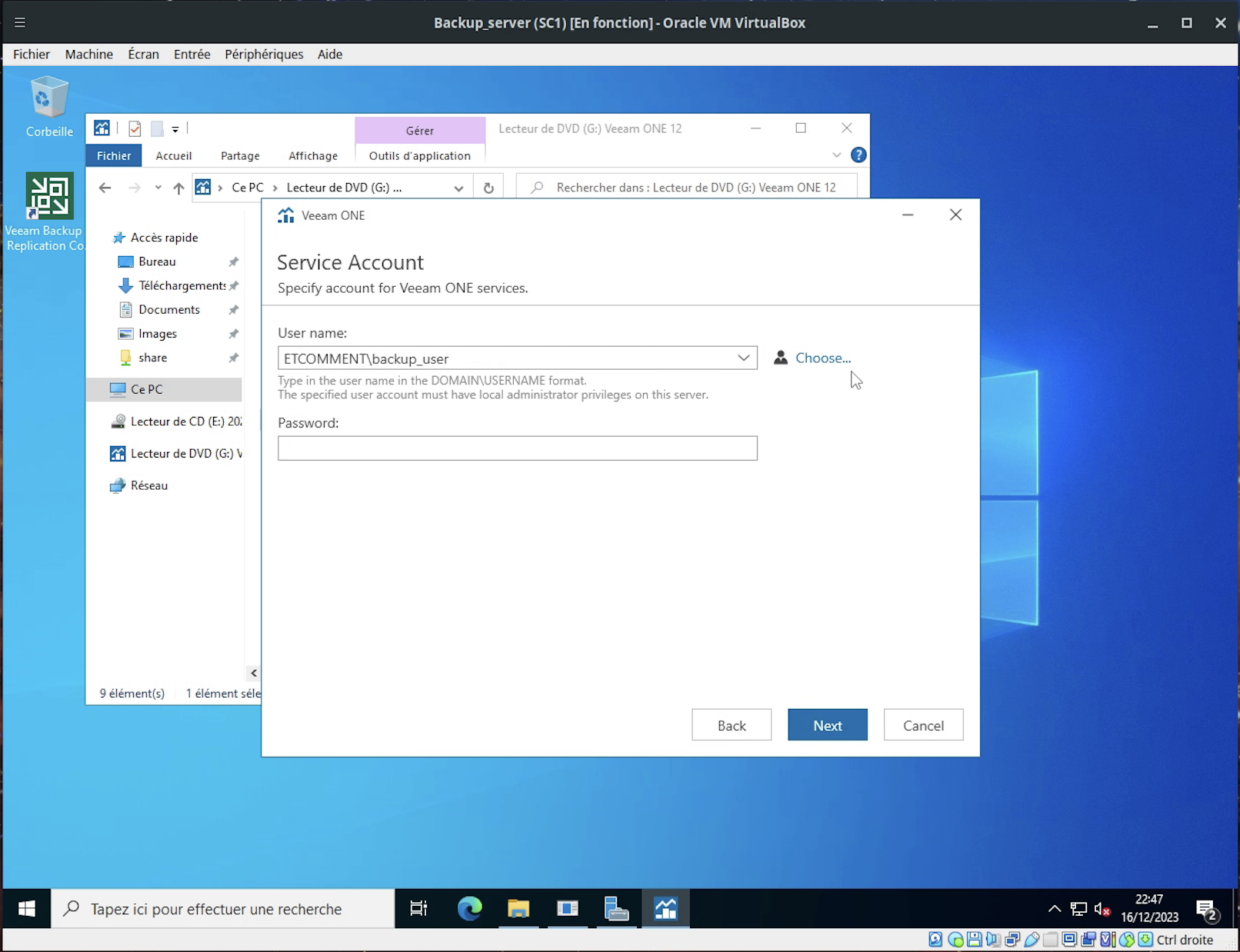
Next, choose the user account that will be used by Veeam ONE. As before, you can use the account dedicated to backup operations.
Click Next.
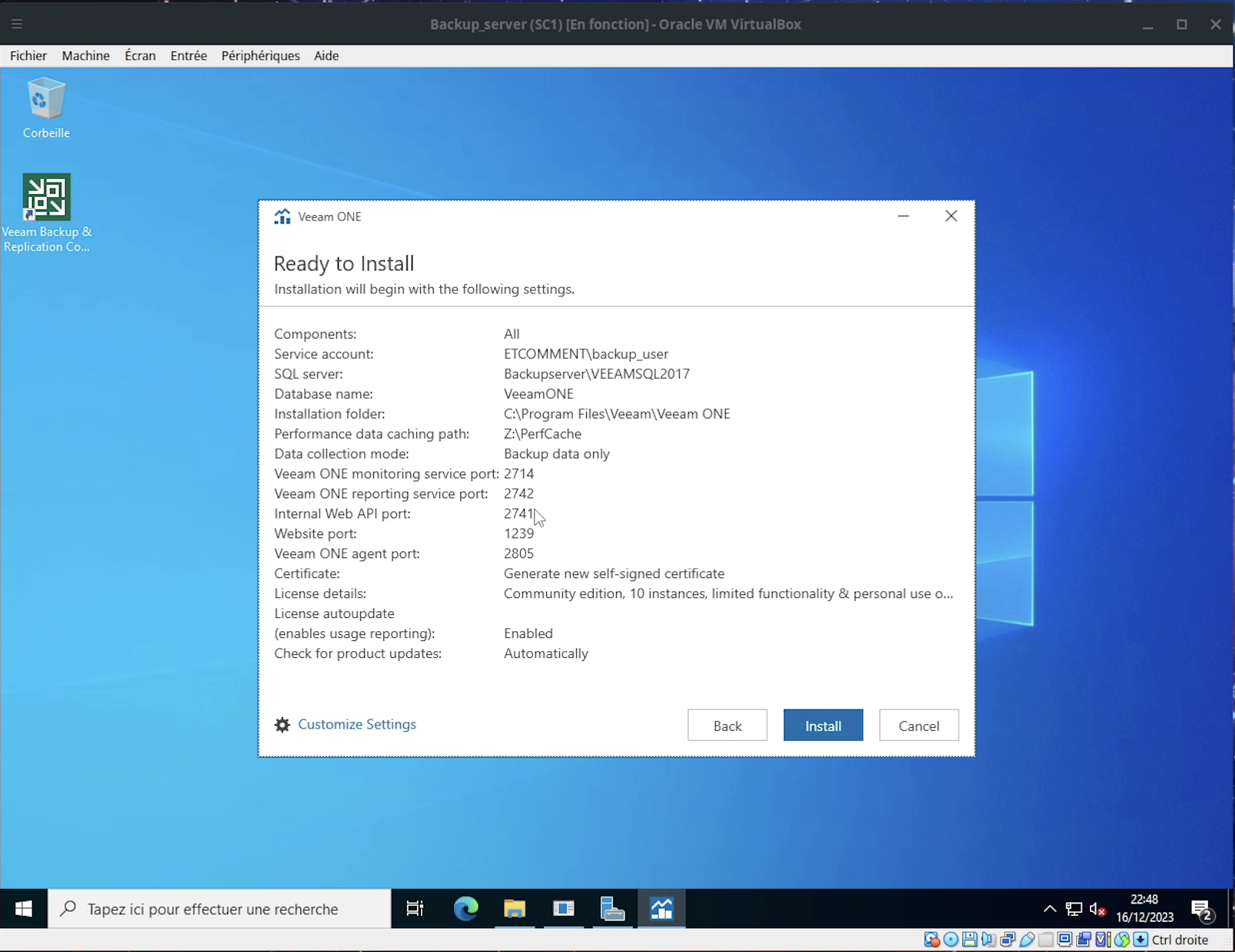
A summary of the default options shows what will be installed and which network ports will be used.
The installation now begins. Duration may vary depending on your virtual machine’s performance.
The process will run through six stages (Step 1 of 6).
Once the installation is complete, click Finish and accept the server restart.
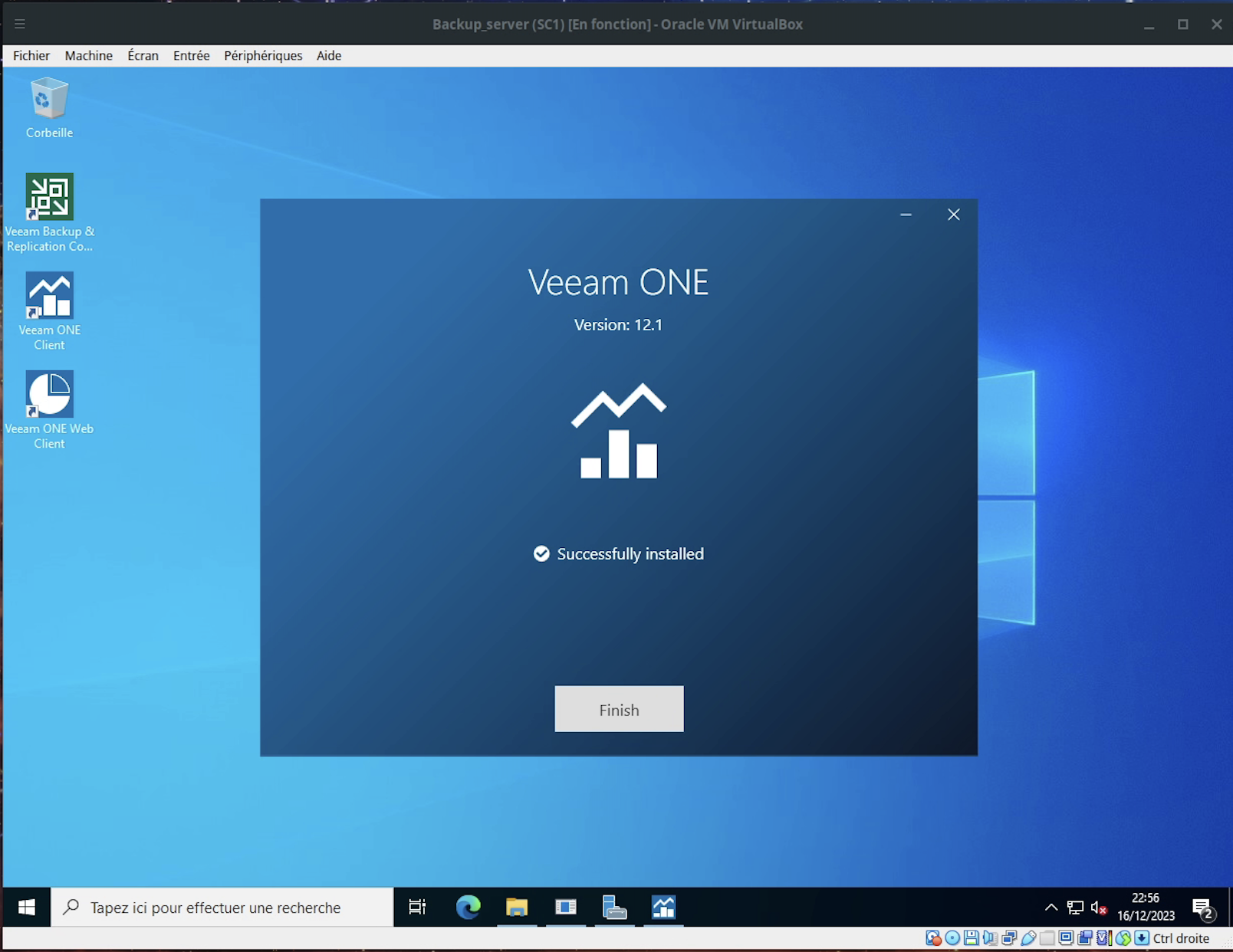
Installation is now complete. You can move on to the initial configuration.
Configure Veeam ONE
You can now show Gwenaelle how to configure the Veeam ONE Client backup monitoring tool.
Now that you’ve added a server to monitor, it’s time to configure email alerts, as shown in the following video.
You now have a powerful tool to monitor your backups effectively. But above all, never forget to perform regular restore tests—even when using a well-known, trusted solution.
These tests ensure that, over time, your backups remain reliable, configurations stay correct, and backups are available when a restore is required.
They also serve another purpose: validating restore procedures and estimating the time required to return to normal operations if a full environment needs to be restored.
Summary
Veeam ONE allows you to monitor your backup server and ensure backups run smoothly.
Veeam ONE includes a fat client used for configuration.
Veeam ONE can be integrated with monitoring, log management, and incident ticketing tools.
Veeam ONE can send email alerts when issues occur.
The Veeam ONE web client provides quick access to backup monitoring.
Now that you know more about Veeam ONE for backup monitoring, let’s move on to creating backups on GNU/Linux using rsync.
